

Installation & Setup
Learn how to install PullPro in your Slack workspace and connect it to your GitHub organization for seamless PR review coordination.
Overview
First install the Slack app and then from within the PullPro Slack app, install the GitHub app.
Slack App
Click the button below and follow the instructions to install PullPro in your Slack workspace.
Add to SlackGitHub App
After installing the Slack app, open the app home for PullPro.
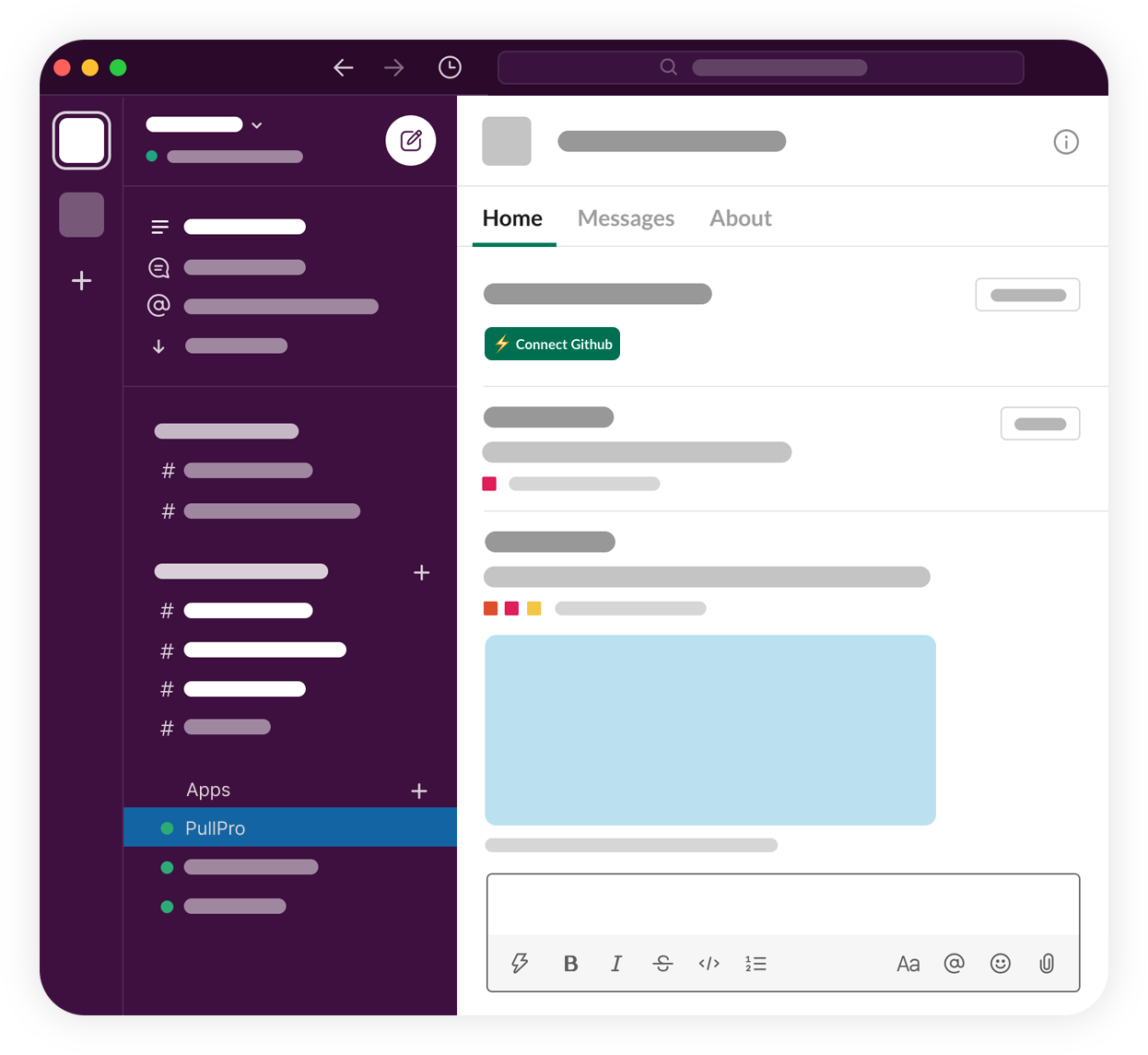
In the home tab, click on the Connect GitHub button and follow the instructions to install the PullPro GitHub app to your GitHub organization.

Reconnecting or changing your GitHub organization
Each Slack workspace connects to one GitHub organization, and each organization to one workspace.
Reconnecting the same organization. If the PullPro GitHub app is removed from your organization or suspended, PullPro pauses for it and the app home shows Connect GitHub again. Click it and install the app on the same organization: your repositories, teams, routing rules and pull request history are restored.
Switching to a different organization. Email [email protected] with your Slack workspace and the organization you want to connect, and we'll move it for you. Pull request history from the previous organization isn't carried over.
Using one organization in several Slack workspaces isn't supported yet — let us know if you need it.
Individual Setup
All team members (who did not do the installation above) will have to authorize the Slack app to react on their behalf. PullPro will individually request permission when it is required within the Slack workspace.

Ideally, team members will also link their Slack user to their GitHub account. This will allow PullPro to associate the accounts from the same user and provide a more seamless experience. Similar as above, PullPro will individually request users to link their GitHub account when they interact with the Slack app.